
How I Added AI-Powered Translations to a Laravel Package
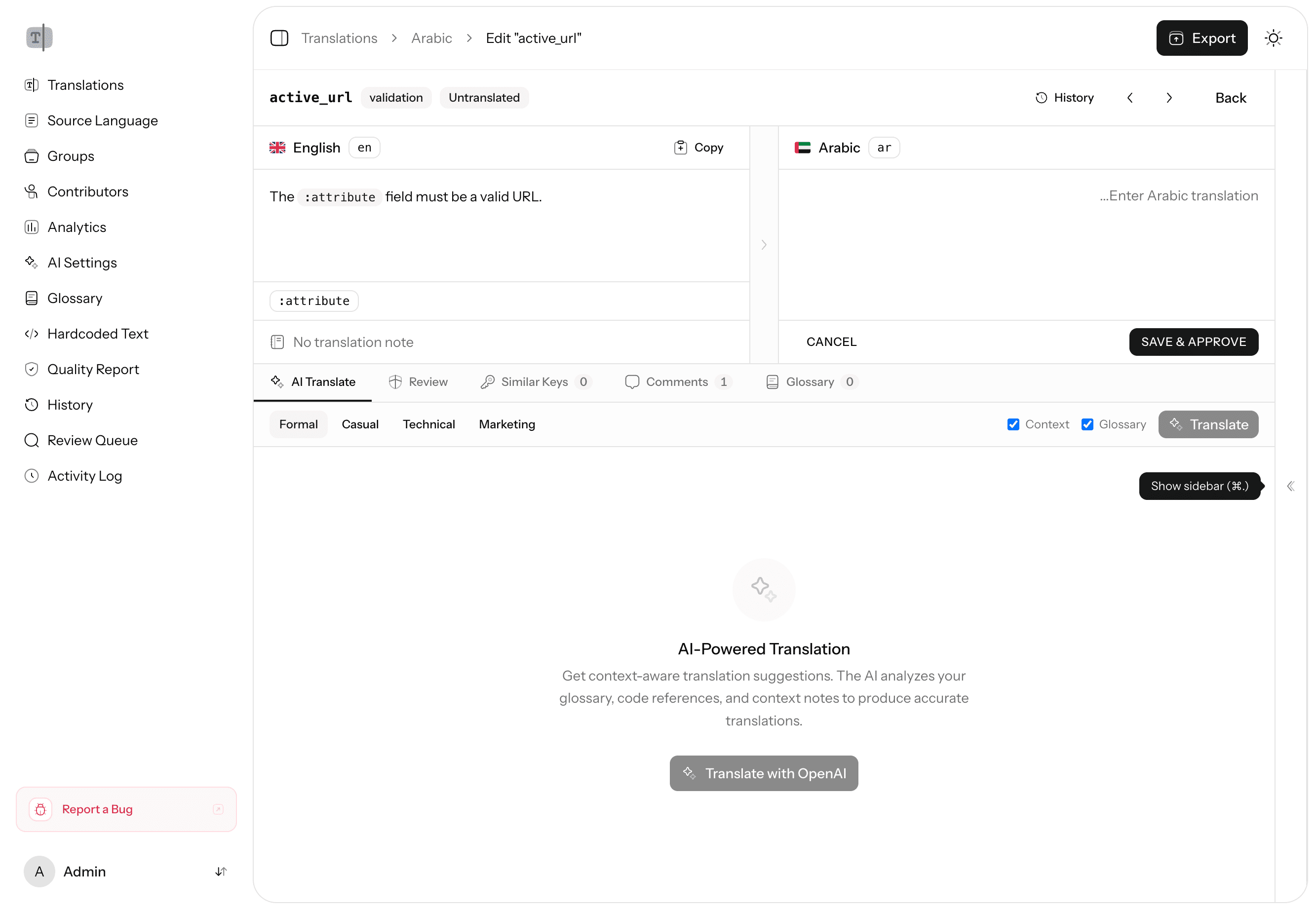
One of the flagship features of Laravel Translations Pro is AI-powered translation. You click a button, pick a provider, and your translations are generated across all your target languages. Here's how I built it.
The Challenge
Translation isn't just replacing words. A good translation needs to:
- Preserve placeholders like
:nameand:count - Respect glossary terms (your product name shouldn't be translated)
- Handle plural forms correctly
- Match the tone and context of the source text
- Not break HTML content embedded in translation strings
I needed an AI layer that handled all of this automatically, without the user thinking about it.
Provider Abstraction
I didn't want to lock users into a single AI provider. Some teams use OpenAI, others prefer Anthropic, some want to use cheaper providers for bulk operations.
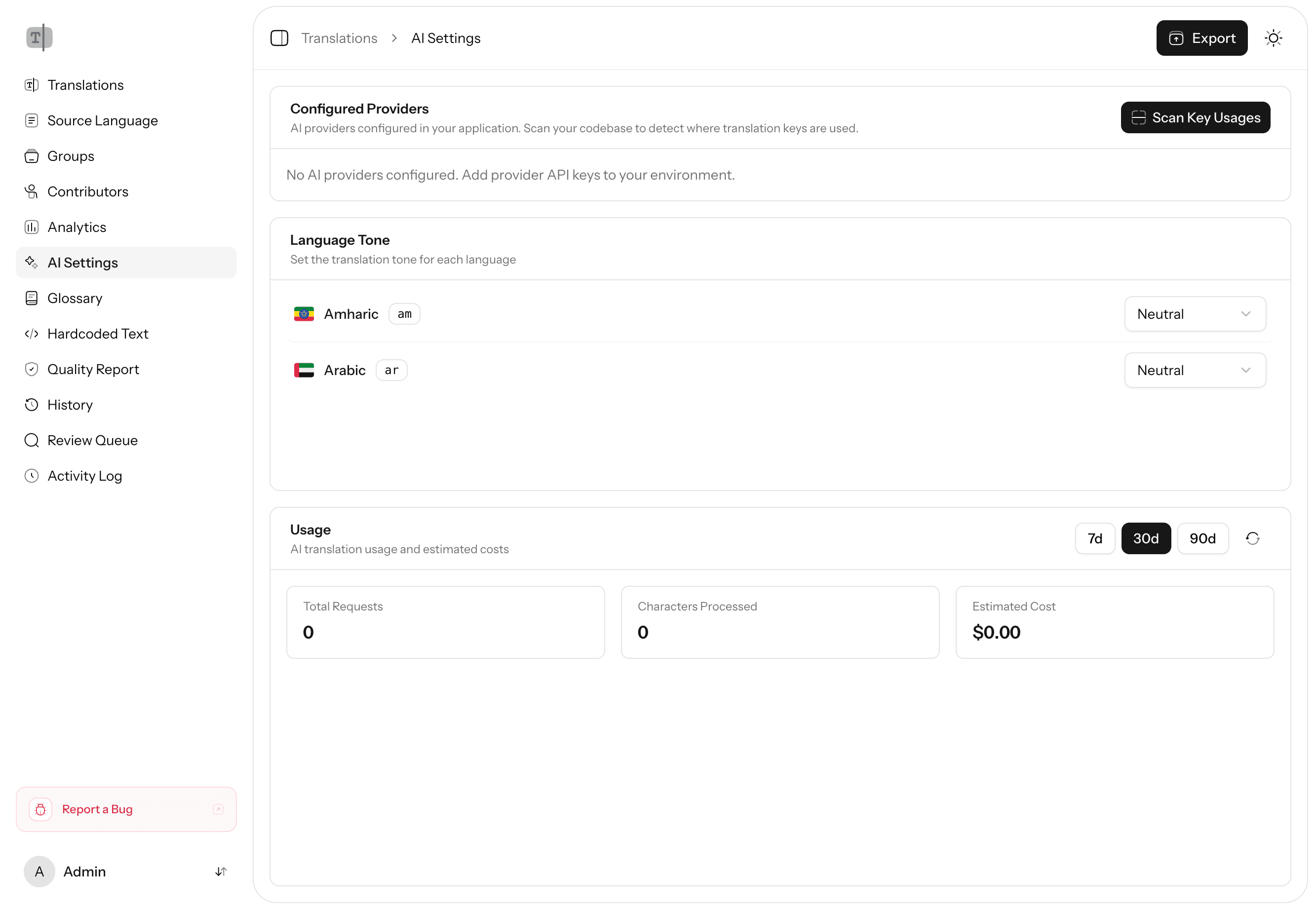
The system supports multiple providers through Laravel's laravel/ai package:
- OpenAI (GPT-4)
- Anthropic (Claude)
- And more as they become available
Switching providers is a config change. The translation logic stays the same regardless of which model is doing the work.
Glossary-Aware Context
This is where things get interesting. Before sending text to the AI, the system checks your glossary. If you've defined that "Kit" should never be translated (it's a product name), the AI prompt includes that context.
The prompt construction looks roughly like this:
- Take the source text
- Look up any glossary terms that appear in it
- Check if there are context clues from the codebase (where this string is used)
- Build a prompt that includes all of this context
- Send to the selected provider
The result is translations that respect your brand terminology and understand the context of where the string appears.
Cost Estimation
AI APIs charge per token, and translating an entire application can add up. Before running a batch translation, the system estimates the cost based on:
- Number of strings to translate
- Average string length
- Target language count
- Selected provider's pricing
Users see the estimate before confirming. No surprise bills.
Batch Processing
For large applications with thousands of translation keys, sending them one by one would be painfully slow. The batch system uses queued jobs with retry strategies and failure handling:
- Groups translations into optimal batch sizes
- Queues them as Laravel jobs
- Processes them in parallel
- Tracks progress in real-time
- Logs usage, costs, and any failures
If a batch job fails partway through, it picks up where it left off. No duplicate work, no lost translations.
Quality Checks After Translation
AI translations aren't perfect. After generation, the quality assurance system runs automatic checks:
- Placeholder validation — Did the AI preserve
:nameand:count? - HTML tag matching — Are opening and closing tags still balanced?
- Length ratio — Is the translation suspiciously short or long compared to the source?
- URL/email preservation — Did any URLs or email addresses get mangled?
Issues are flagged with severity levels (error, warning, info) so translators know what to review first.
What I Learned
Building this taught me a few things:
- AI is a first draft, not a final answer. The review workflow exists for a reason. AI gets you 90% there; humans handle the last 10%.
- Context is everything. The same English word can translate completely differently depending on where it's used. Feeding context to the AI dramatically improves quality.
- Cost transparency builds trust. Users are much more willing to use AI translation when they can see exactly what it'll cost before clicking the button.
AI translation turned a tedious, expensive process into something you can do in minutes. But the real value is in the guardrails around it — the glossary, the quality checks, the review workflow. That's what makes it production-ready. For strings that never went through the translation system in the first place, the hardcoded string detector finds and converts them automatically.