
Building a License-Gated CLI Installer for a Laravel Product
When you buy kit, you don't download a zip file. You run a CLI installer that validates your license, asks which modules you want, and generates a fresh Laravel project with only the code you selected. Here's how I built it.
Why a CLI Installer?
A few reasons:
- License validation — The installer verifies your purchase before giving you code
- Module selection — You pick what you need at install time
- Always fresh — You get the latest version every time you install
- No dead code — The extraction engine removes everything you didn't select
A zip download can't do any of this. It would include everything, require manual pruning, and have no way to verify the buyer's license.
The Flow
When a buyer runs the installer, here's what happens:
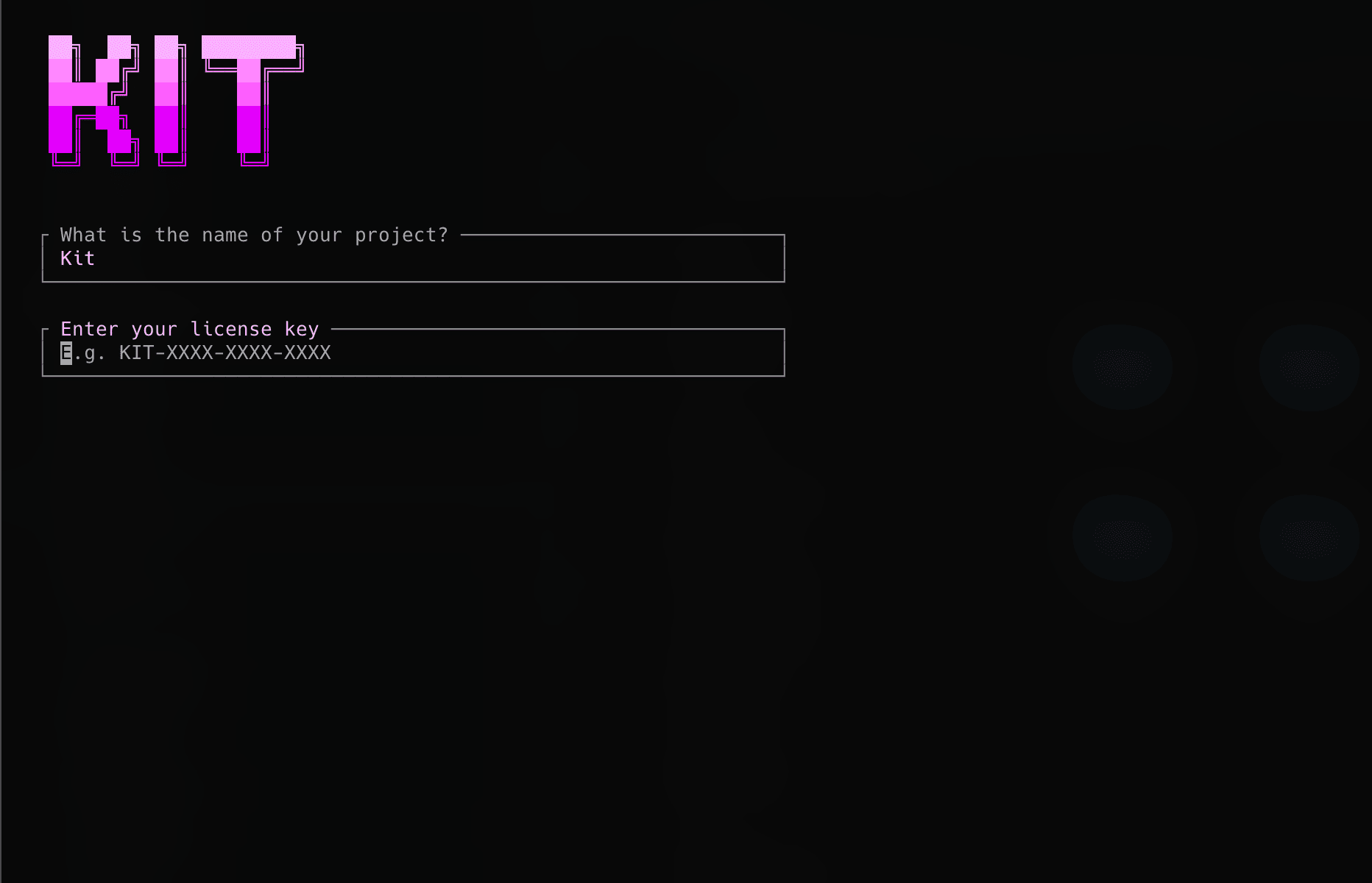
License Validation
The installer hits the kit API to validate the license key:
The API checks:
- Is the key valid?
- Has it been activated on too many machines?
- Which modules does this license include?
- Is the license expired?
If validation fails, the installer gives a clear error message and exits. No code is downloaded until the license is verified.
Module Resolution
The buyer can only select modules their license includes. If they bought the SaaS Bundle, they see: Billing, Teams, Admin, Notifications, and Onboarding.
But modules have dependencies. If billing depends on teams, selecting billing automatically includes teams. The resolver handles this:
Project Generation
Once modules are resolved, the installer:
- Clones the kit repository (or downloads a release archive)
- Runs the extraction engine to remove unselected features
- Cleans up annotations, unused imports, and dead references
- Installs Composer and npm dependencies
- Copies
.env.exampleto.envand generates an app key - Runs database migrations
- Builds frontend assets
The result is a working Laravel application that's ready to develop on.
Device Tracking
Licenses have activation limits. Each installation registers the machine:
This prevents license sharing while allowing reasonable use — reinstalling on the same machine reuses the activation slot. If someone needs more activations, they can manage them through the customer portal.
Offline Fallback
Not every developer has internet access during setup (conference WiFi, airplane, VPN issues). The installer supports offline validation for licenses that have been validated at least once before. It caches a signed validation token locally.
Lessons Learned
- Clear error messages matter more than clever code. When a license check fails, tell the user exactly what's wrong and how to fix it.
- Make it fast. The license check is a single API call. The extraction engine runs in seconds. Nobody wants to wait 5 minutes for a project to generate.
- Support the happy path and every unhappy path. Network timeouts, invalid keys, expired licenses, maxed activations — every scenario needs a graceful response.
The CLI installer is the first experience buyers have with kit. Making it smooth and reliable was worth every hour I spent on it.